How to Track Reading and Study Time on iPhone
Reading and studying have a problem workouts do not: nothing records them. No ring closes and no watch buzzes. If you want to know how much you actually did, you have to time it.
Quick answer: Time each session with the Clock app's stopwatch or timer and note the minutes, and switch on a Focus so nothing interrupts. To keep a running total without the notes, use a tracker with a timer. In CharacterSheet, reading, studying, coding, languages and writing train Wisdom, and every minute earns XP.
The plain way: Clock and a note
Open the Clock app, start the stopwatch, read. When you stop, write the minutes in a note. It takes ten seconds and it works.
The weak point is the note. Totals by hand get skipped, and after a month you have a list of numbers that nobody has added up.
Cut the interruptions with a Focus
Twenty minutes of reading with three glances at messages is not twenty minutes. Set up a Focus in the Settings app, under Focus, and switch it on before you start. Your phone stays quiet until you are done.
Read in sessions with an end
"I will study tonight" is easy to put off. "Thirty minutes, starting now" is not. Pick a length before you begin, set a timer for it, and stop when it rings. A short session you finish beats a long one you keep meaning to start.
How CharacterSheet tracks it
- Tap the plus button, choose Wisdom, and pick the activity: reading, studying, coding, a language, writing.
- Choose how to time it: an open timer, a set duration, or sets.
- Start. The timer stays on your Lock Screen, and XP comes by the minute.
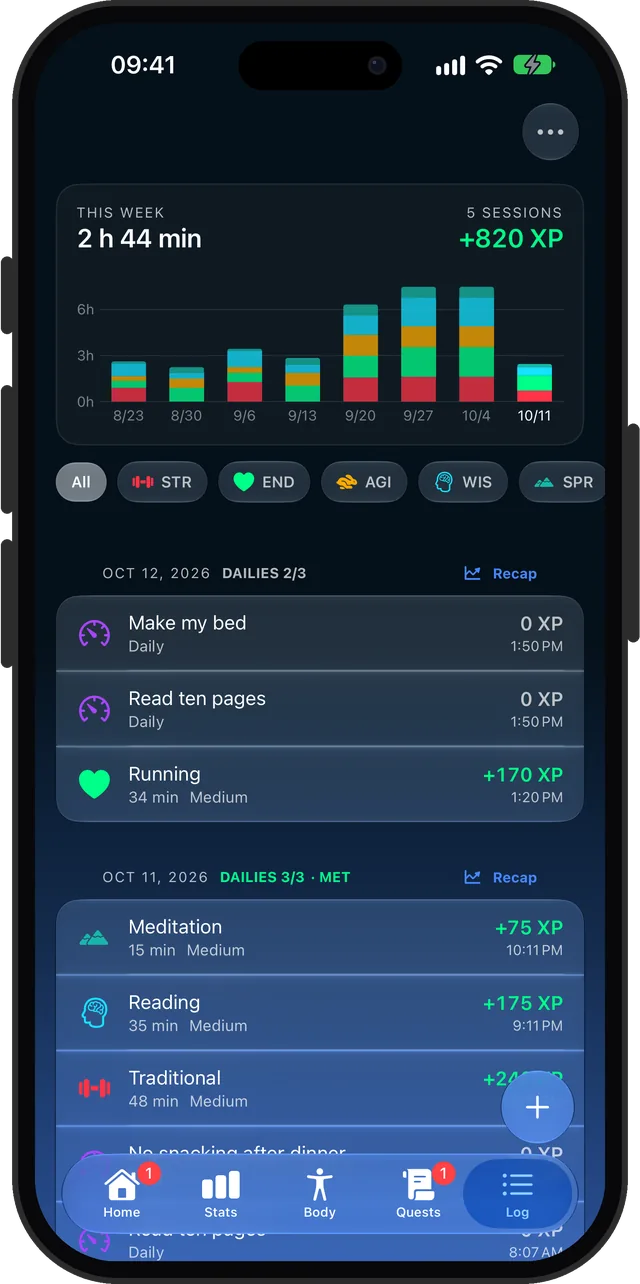
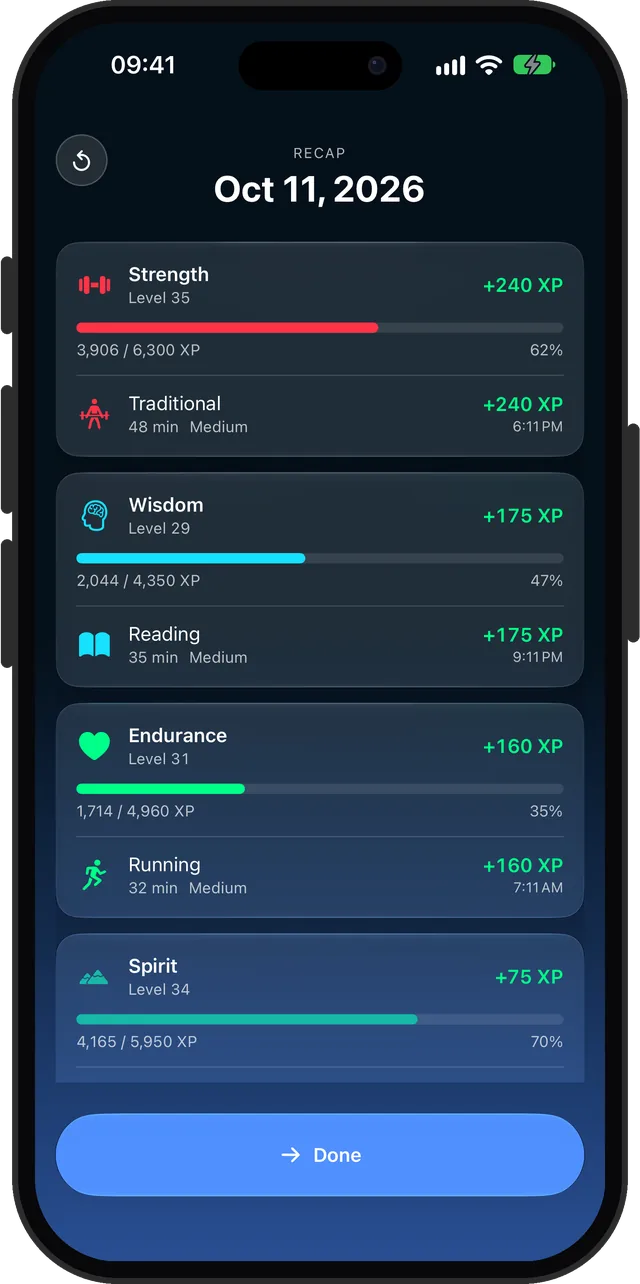
- When you finish, the minutes land on Wisdom's XP bar and in the Log.
The same goes for the quiet practices. Meditation, journaling and breathwork train Spirit, and CharacterSheet can save those sessions to Apple Health as Mindful Minutes.
Make reading count
Start the timer, read, and Wisdom levels up.